Sports technology

The whole club.One app.

Murasaki runs memberships, check-in, training, the bar and the numbers for gyms, fight clubs, studios and personal trainers — with a view made for everyone in the building.

  • Owner
  • Front desk
  • Trainer
  • Member
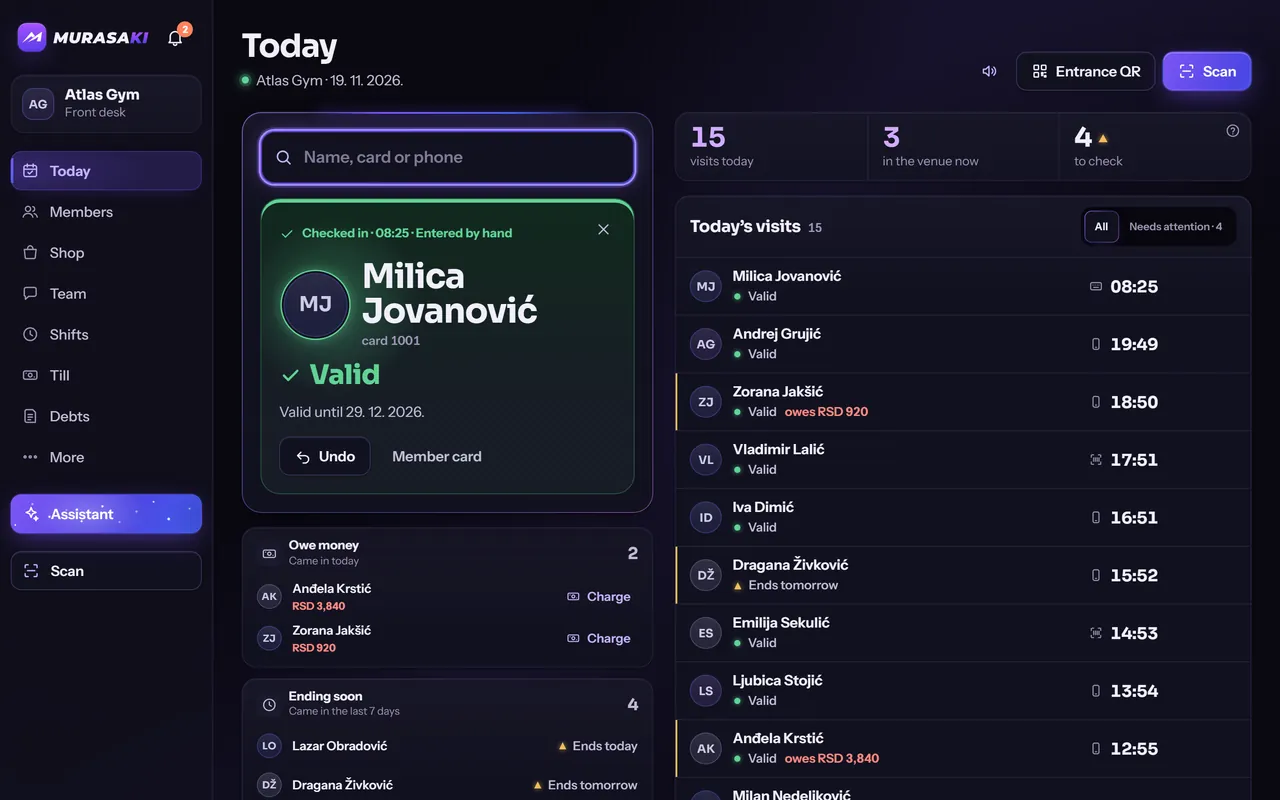
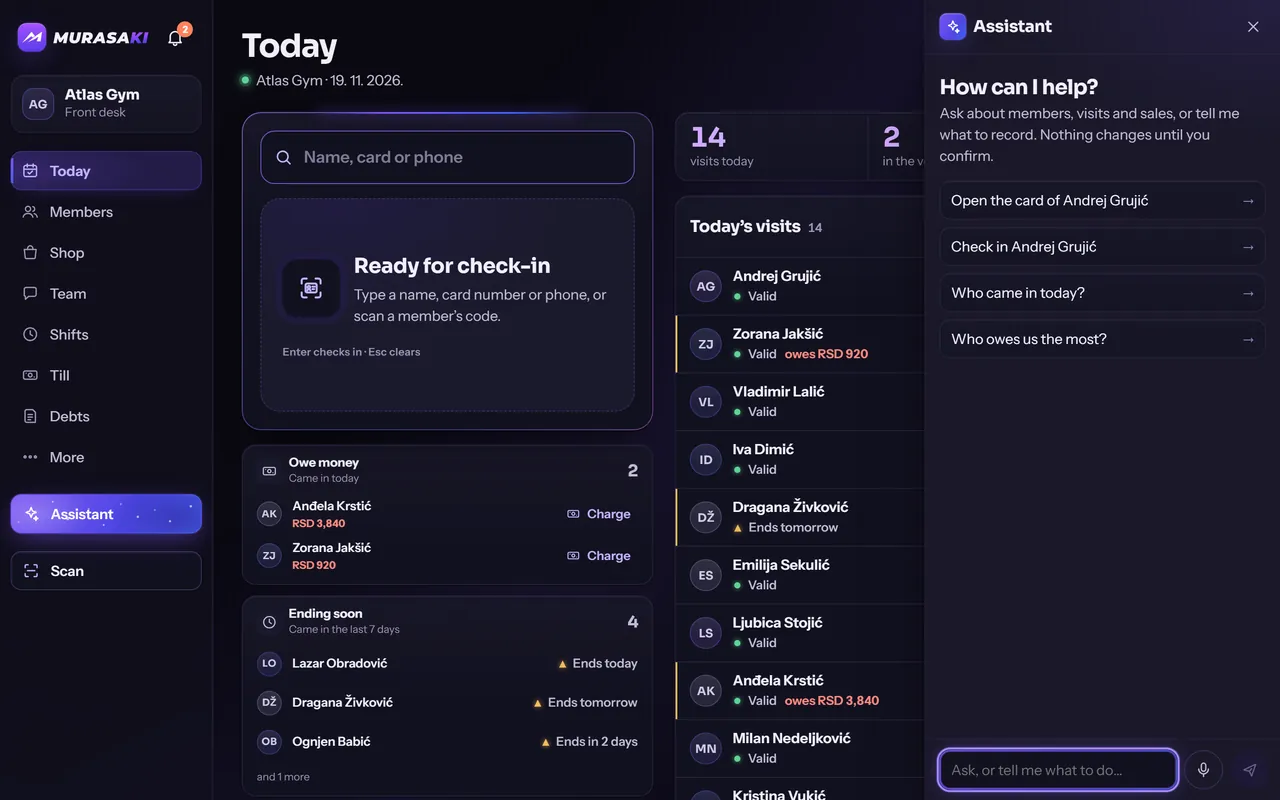
Screen of the Murasaki app: the front desk’s Today screen with today’s check-ins
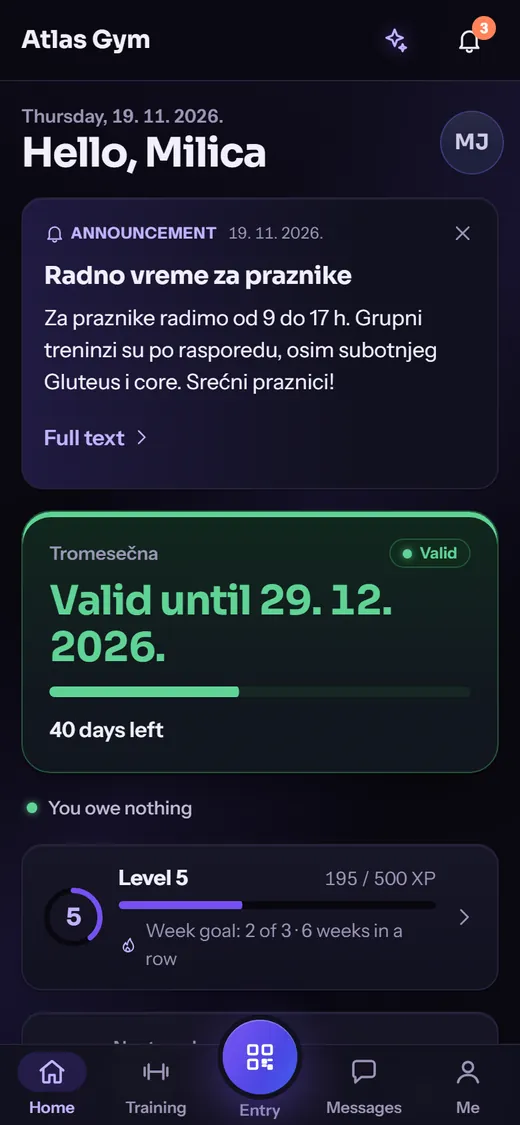
Screen of the Murasaki app: the member’s home screen with the membership status

Real screens of the app, with invented demo data.

Most clubs run on a notebook, a spreadsheet, a group chat and somebody’s memory. Murasaki puts all of it in one place — and gives each person only the part that is theirs.

One day at the club

From the first check-in to the last report

Atlas Gym · demo venue

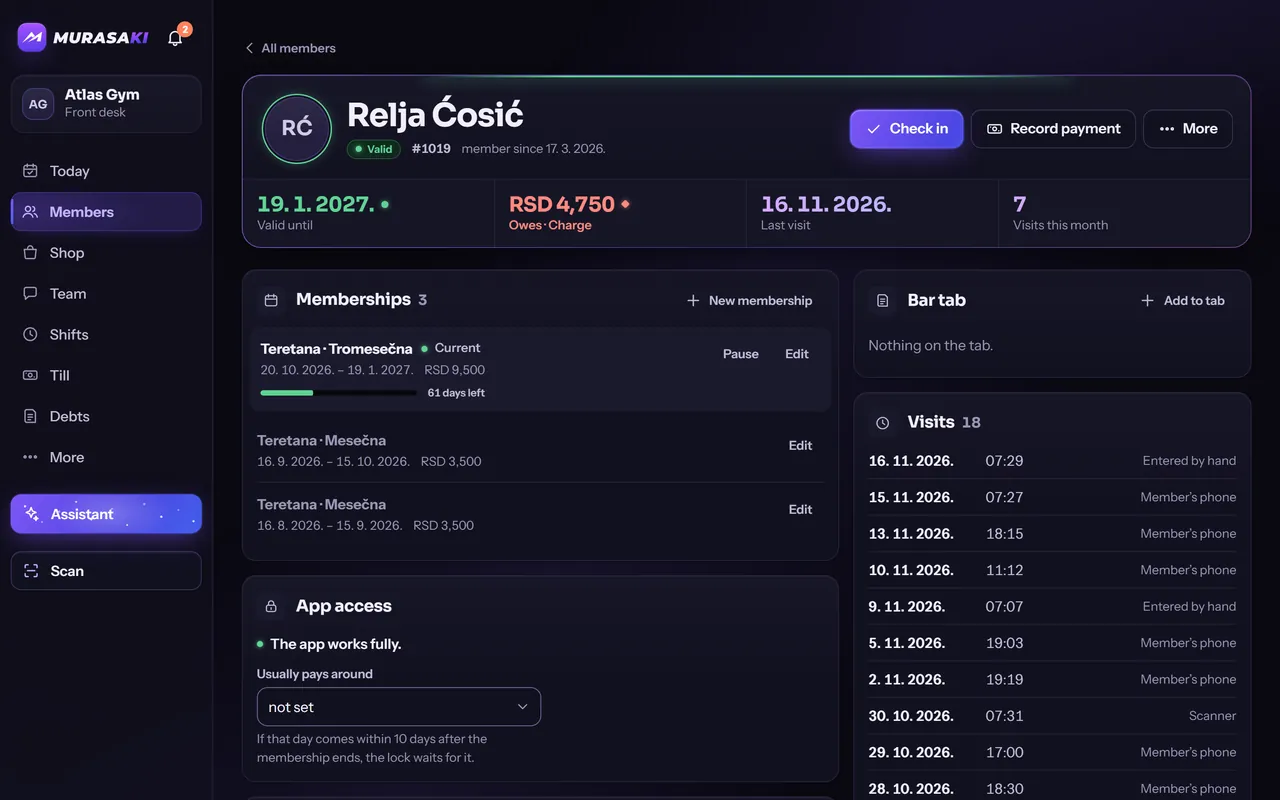
Front desk

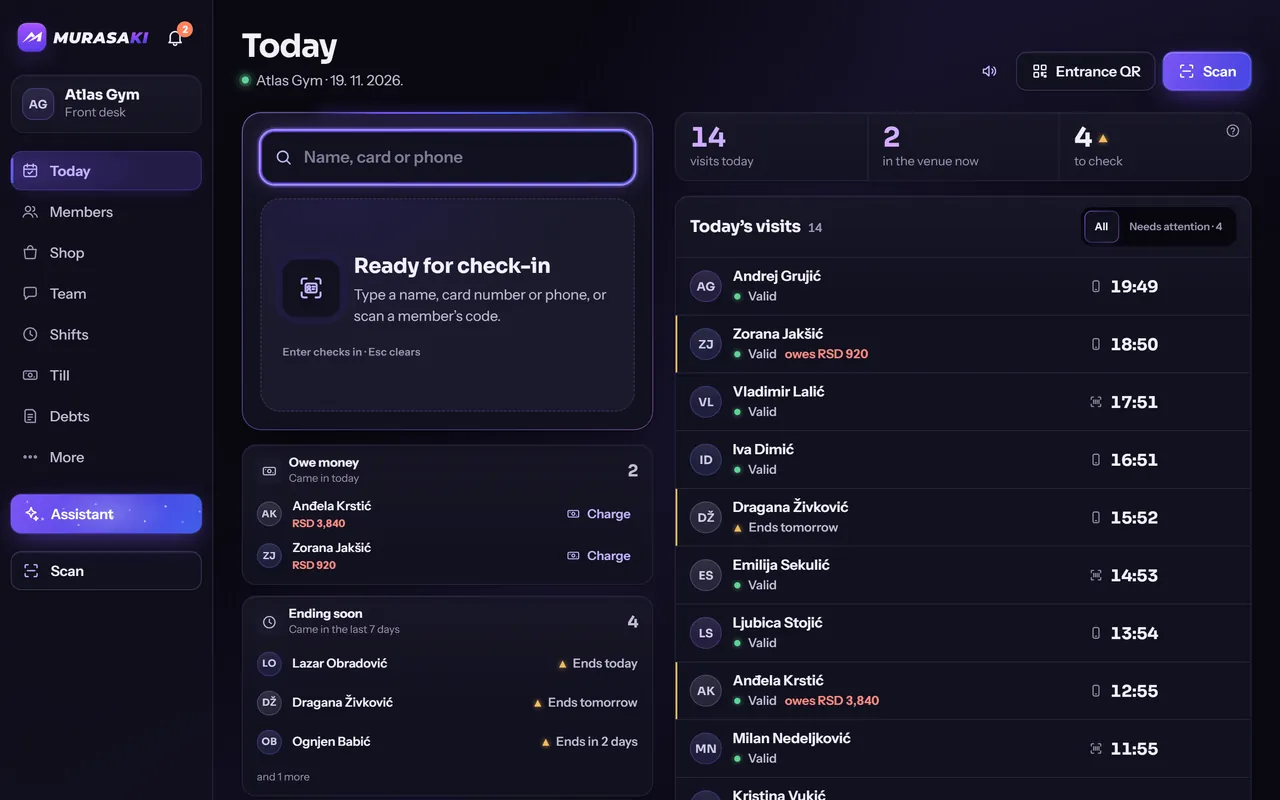
The door opens. Check-in takes a second.

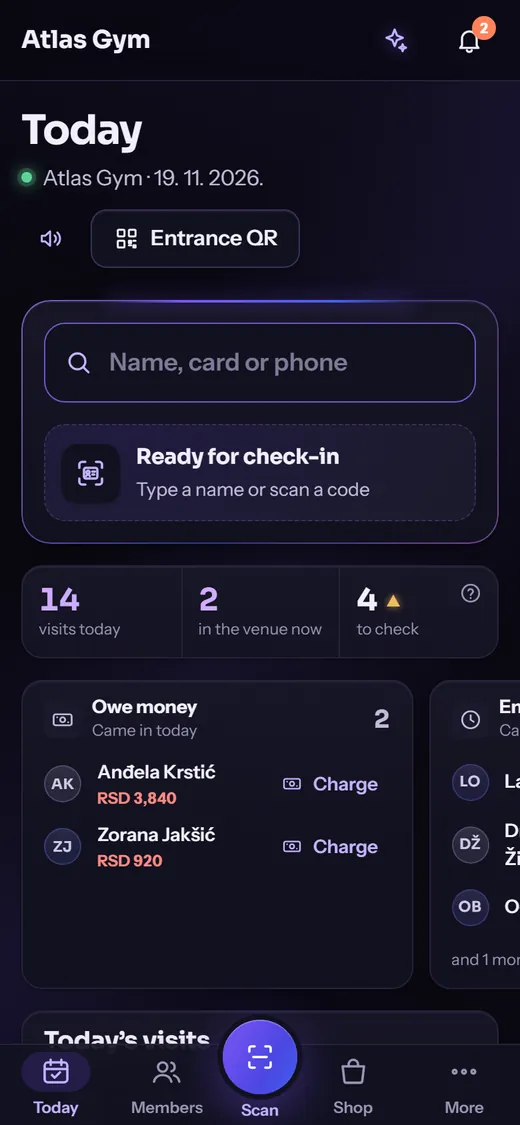
A member shows the code on their phone, or you type a name, a card number or a phone. The screen answers at once: the membership is valid, it ends soon, or money is owed.

  • A QR code on the member’s phone, new every 30 seconds
  • Who ends soon and who owes, on the same screen
  • Memberships, pauses and payments from the member’s page
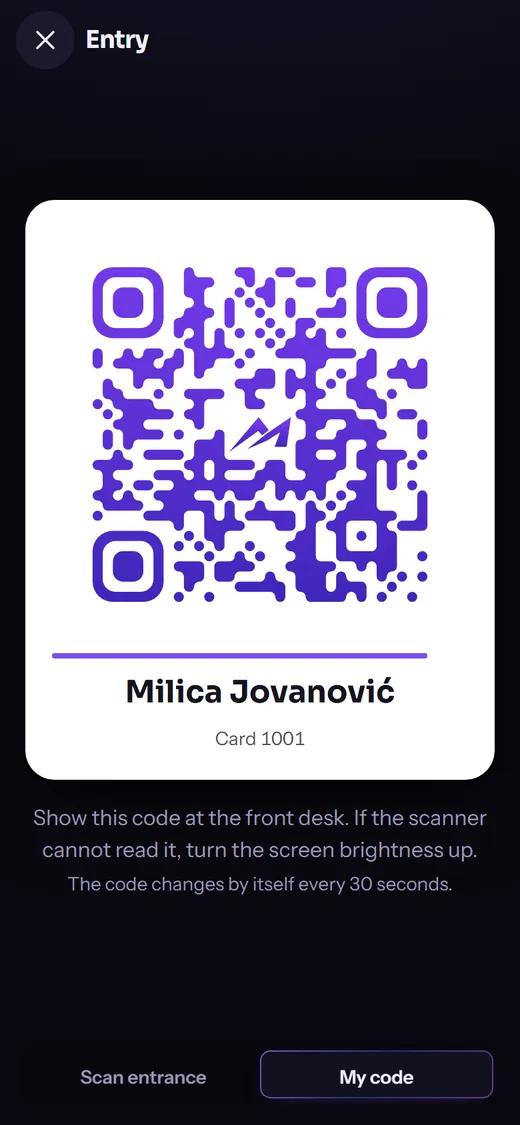
Screen of the Murasaki app: the member’s entry code
Screen of the Murasaki app: a check-in confirmed for a member with a valid membership
Screen of the Murasaki app: the front desk’s Today screen on a phone

Trainer

A plan is written once and reaches every client.

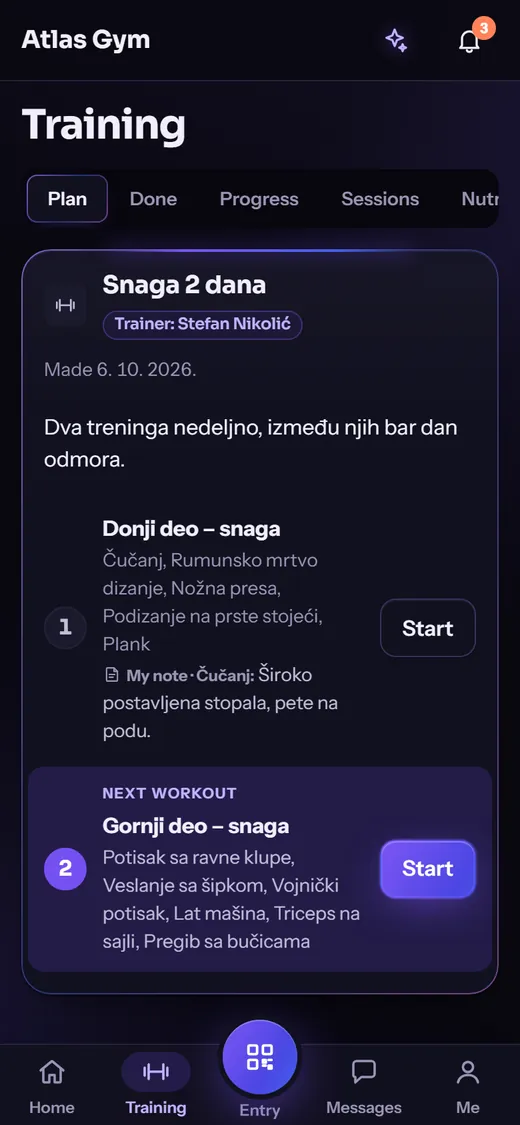
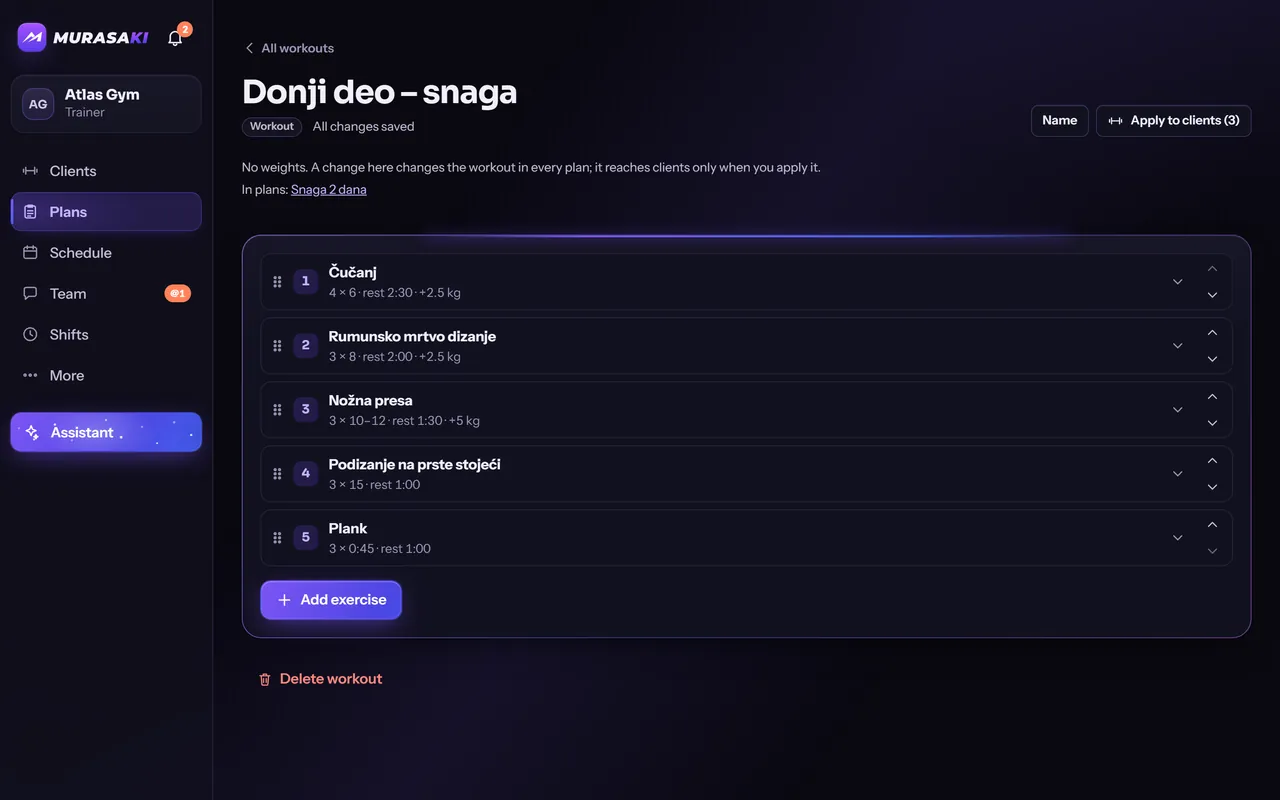
Trainers keep a library of workouts, group them into plans and hand them out. Each client gets a copy that can be adjusted just for them, and an edit shows on the client’s phone while they train.

  • A workout library and plans, shared between trainers if you wish
  • Workout mode: sets, rest timer, personal records
  • Meal plans, body measurements and chat with the client
Screen of the Murasaki app: the member’s training plan from their trainer
Screen of the Murasaki app: a trainer editing a workout from the library
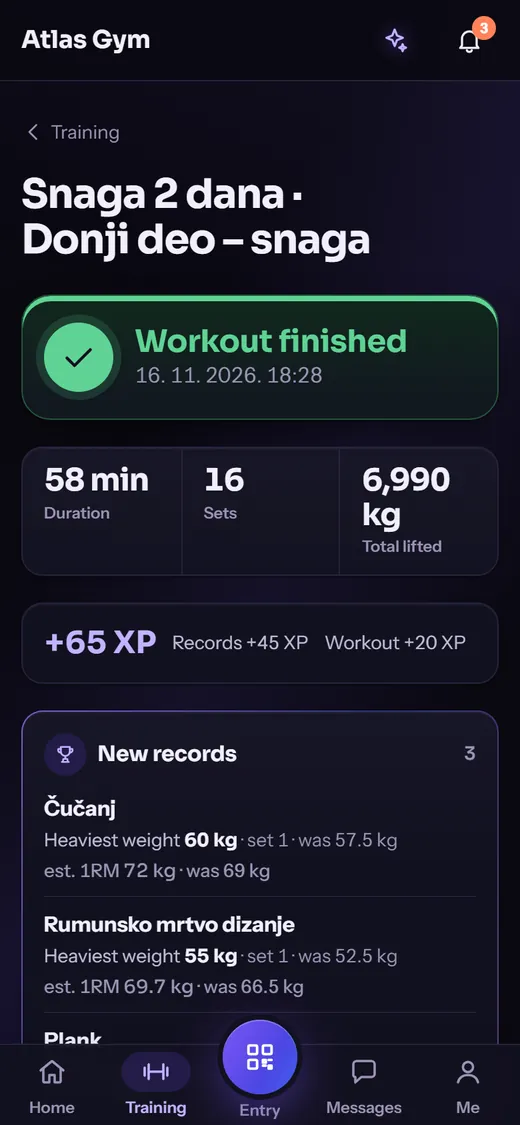
Screen of the Murasaki app: the summary of a finished workout with new records

Member

The member carries the club in a pocket.

Membership status, the entry code, today’s workout, booking a session, the food diary and messages from the trainer: one app, in Serbian or English.

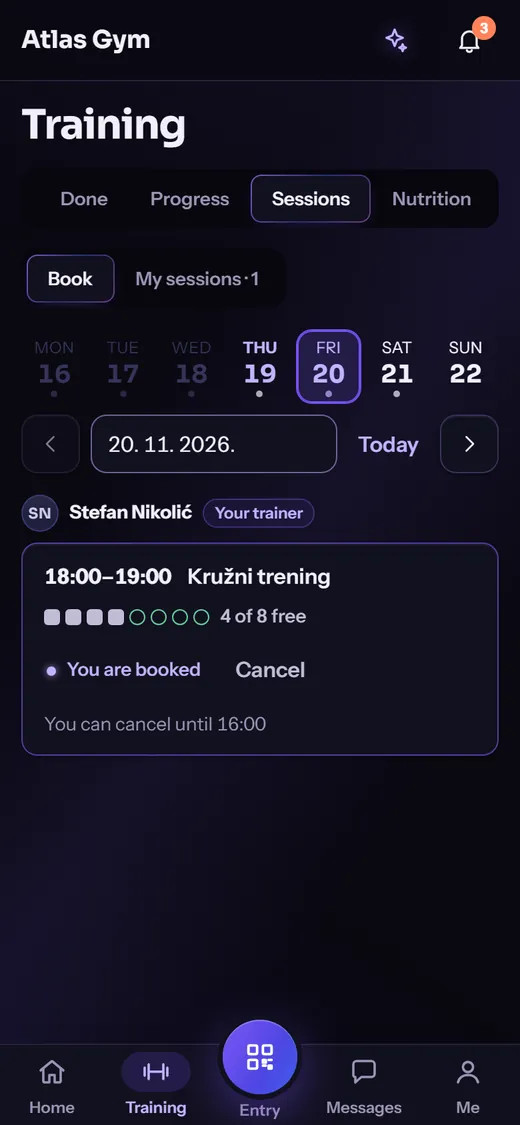
  • Books and cancels sessions without calling anyone
  • Records, levels and badges that are theirs alone, never a ranking
  • Reminders, new plans and the club’s announcements as notifications
Screen of the Murasaki app: the member’s home screen with the membership status
Screen of the Murasaki app: booking a session
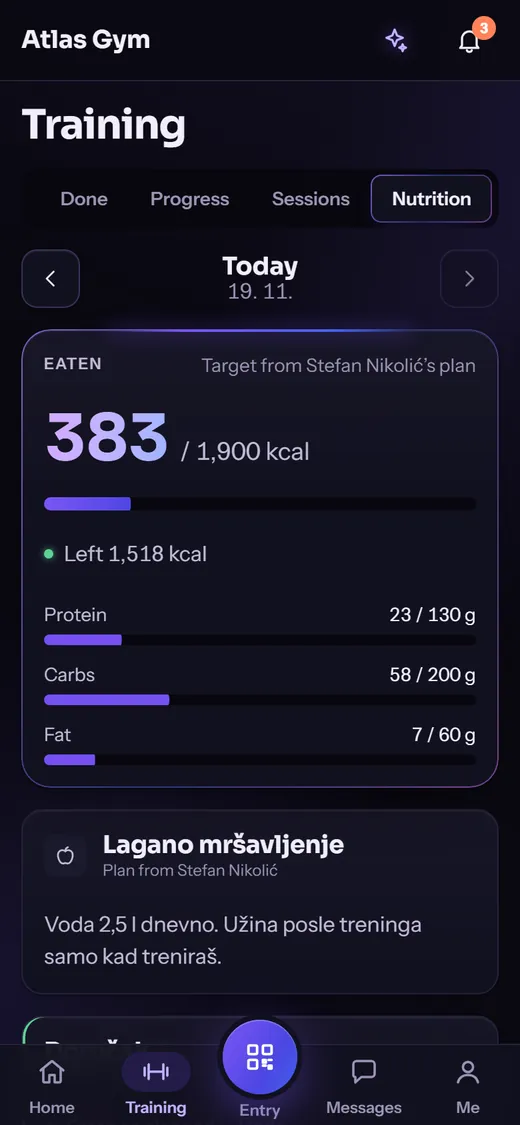
Screen of the Murasaki app: the food diary with today’s calories
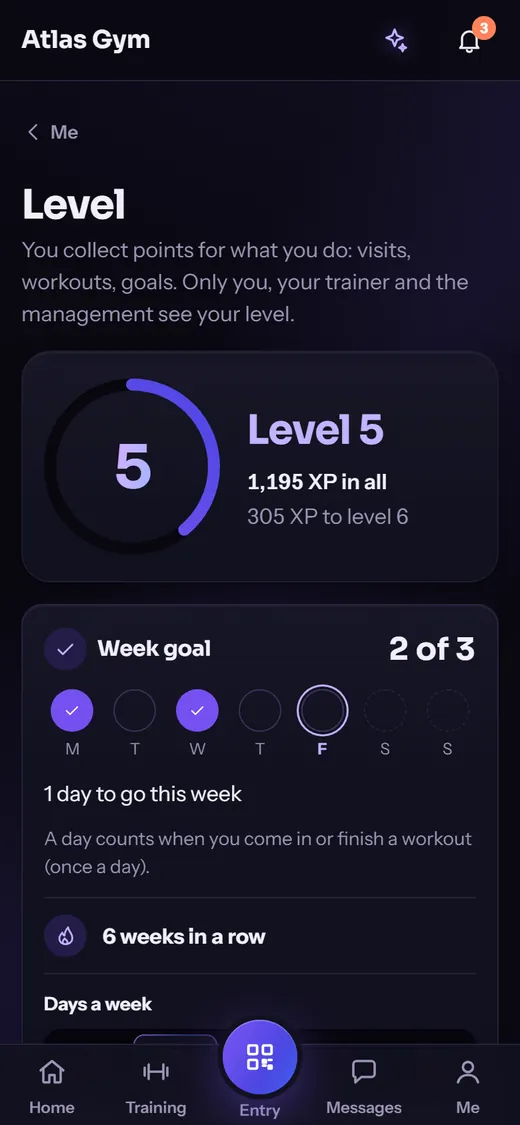
Screen of the Murasaki app: the member’s level and weekly goal
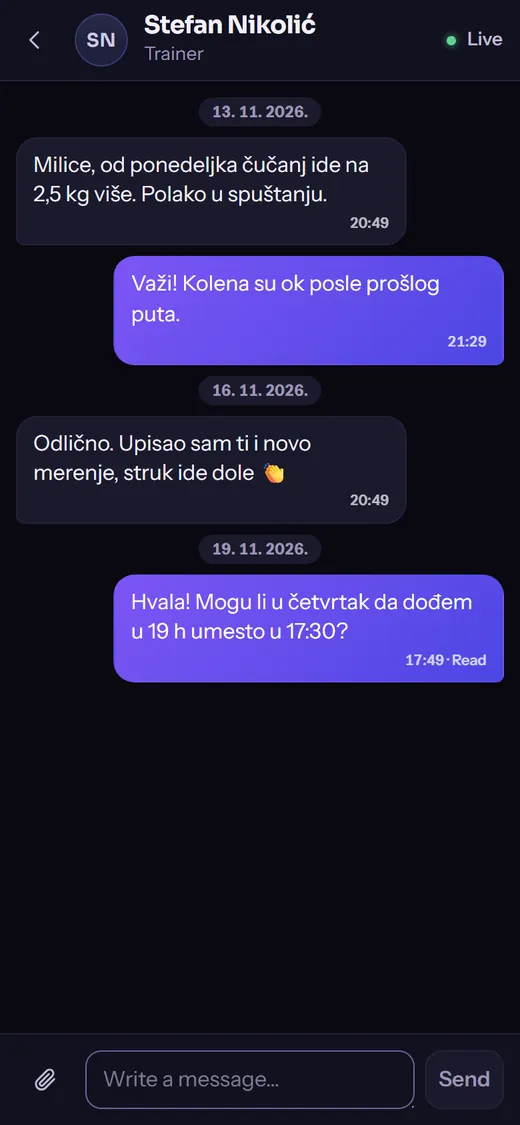
Screen of the Murasaki app: messages with the trainer

Owner

The day adds itself up.

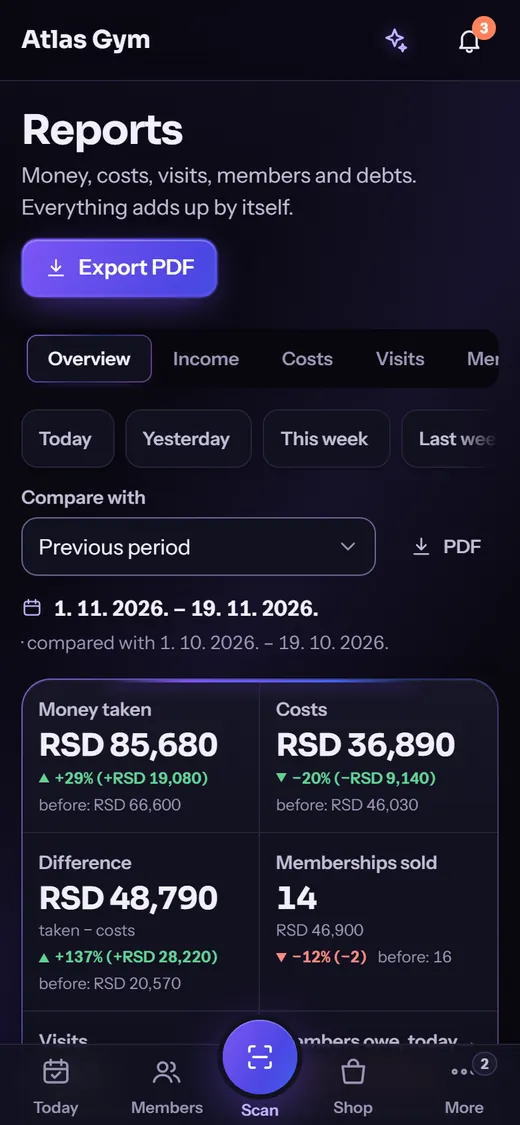
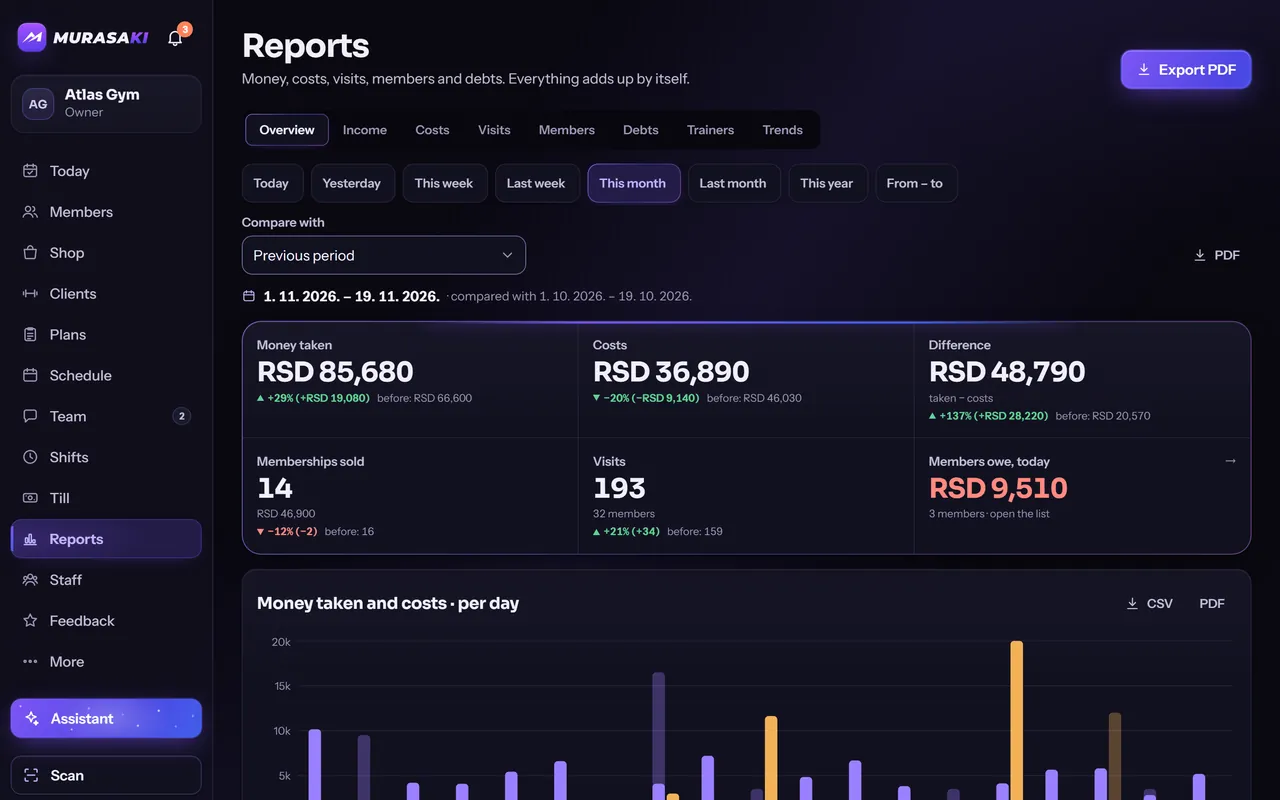
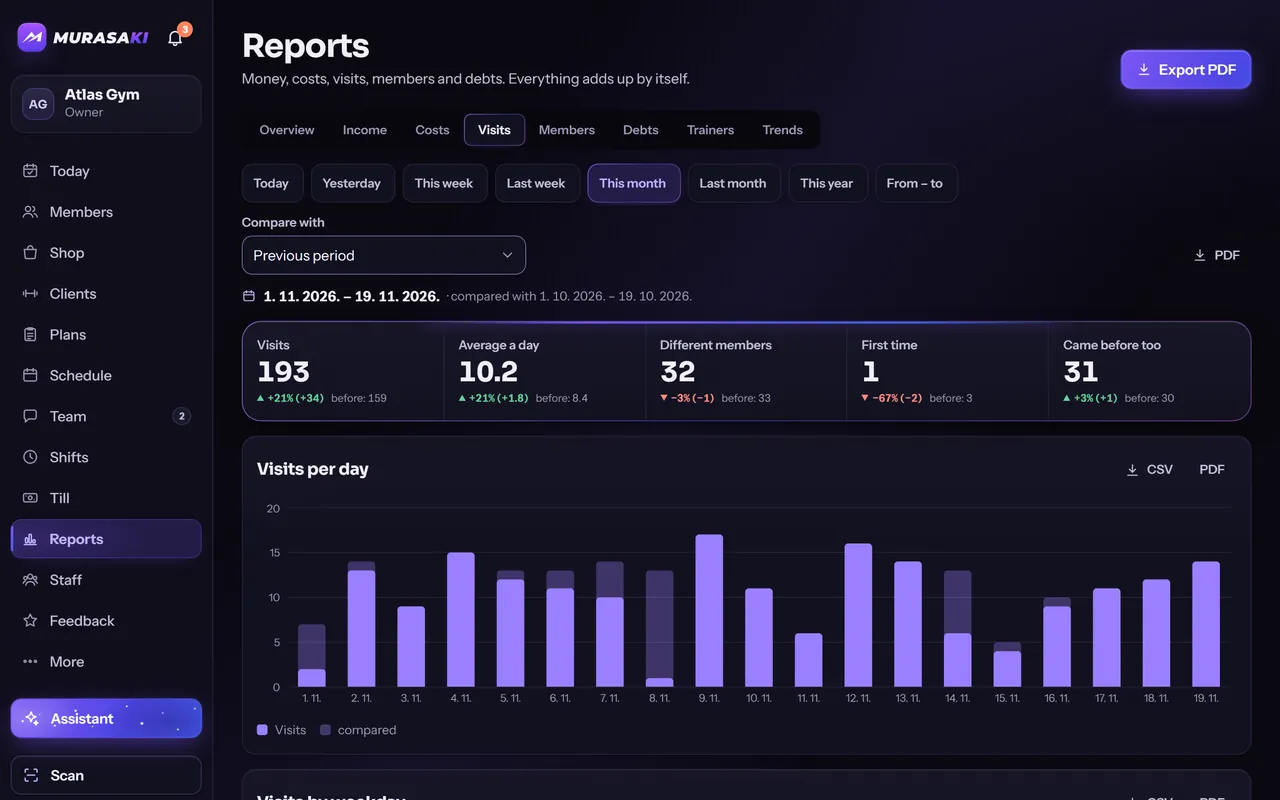
Money received, costs, attendance, members and debts are already summed, for today, the month or any period, next to the period before. A PDF or a CSV is one click away.

  • Eight report sections, from income to trends
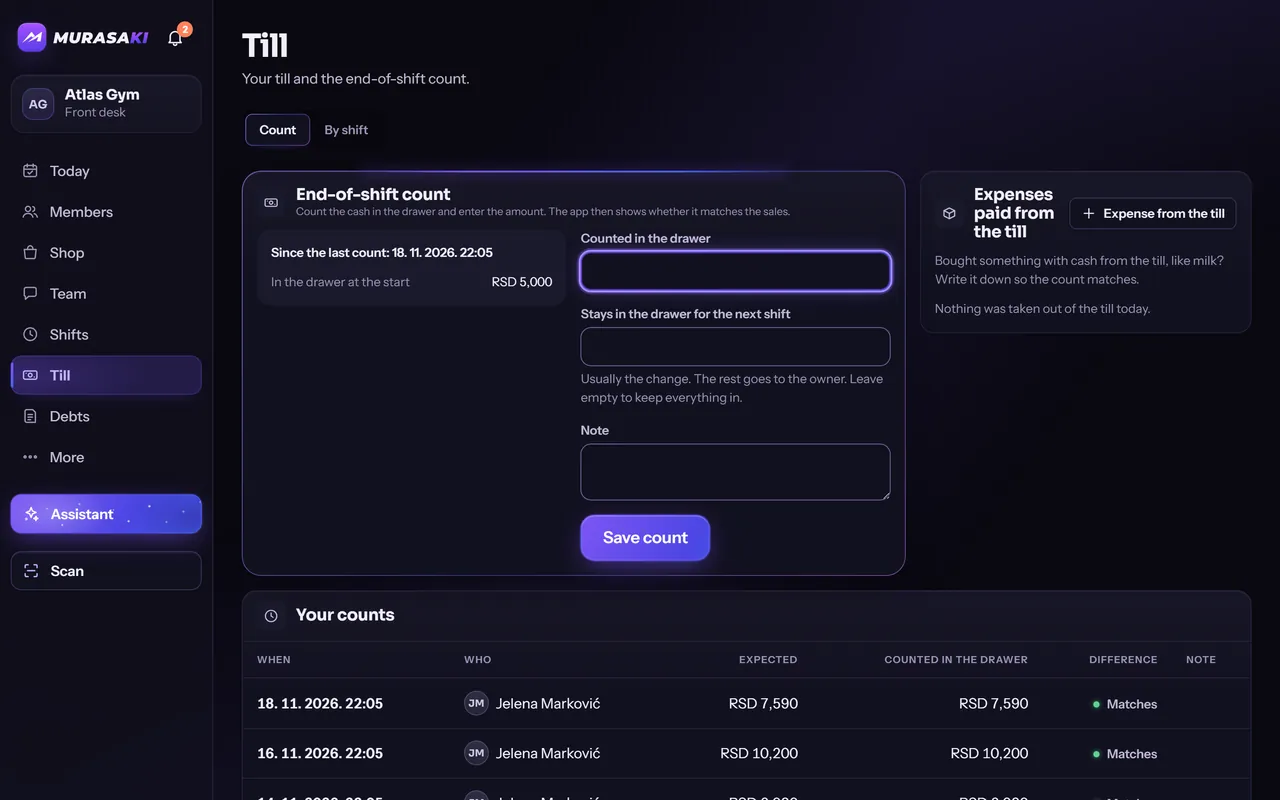
  • The till is counted at the end of every shift
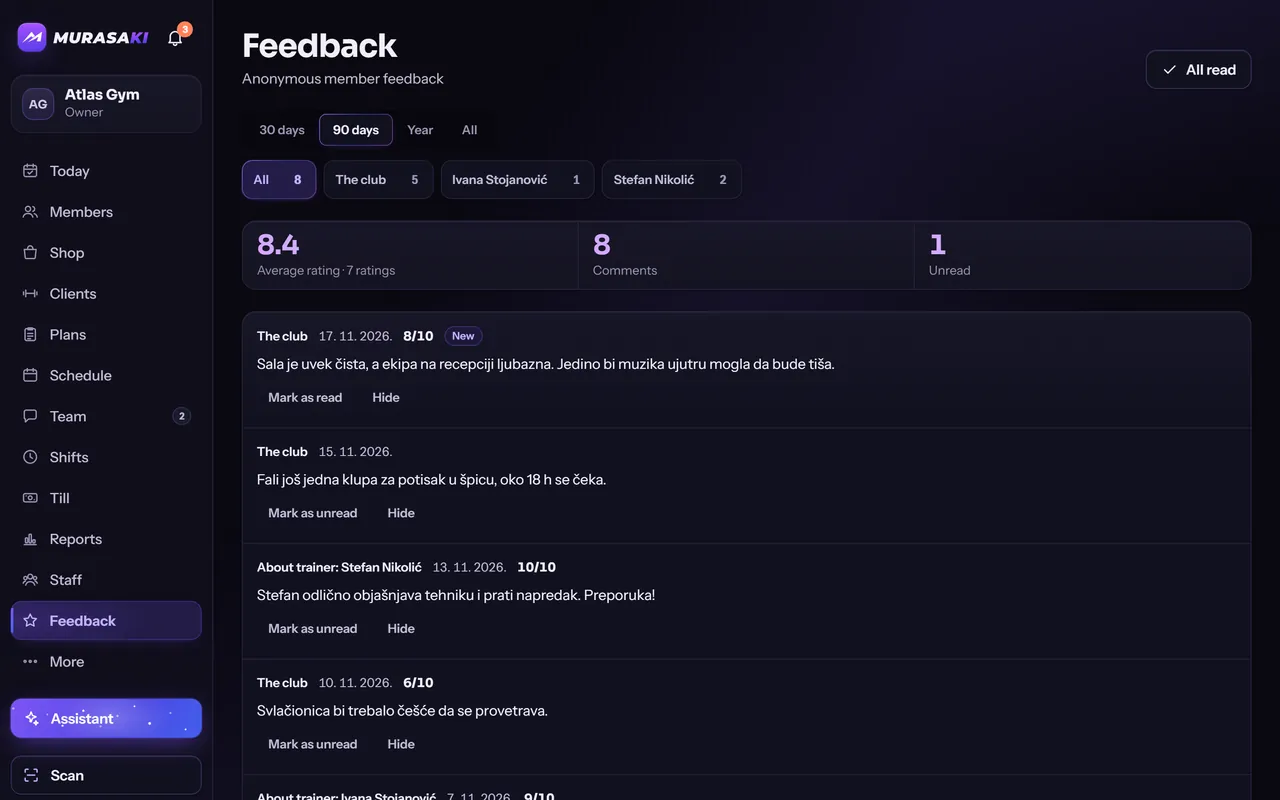
  • Anonymous feedback from members
Screen of the Murasaki app: reports on the owner’s phone
Screen of the Murasaki app: the owner’s reports overview
Screen of the Murasaki app: the attendance report by day

Features

Everything under one roof

Not every club needs every part. Your venue gets the ones it uses, and the rest stays out of the way.

  • Memberships and pauses

    By time or by number of visits. A pause moves the end date, and every member has one clear status.

  • Payments and debts

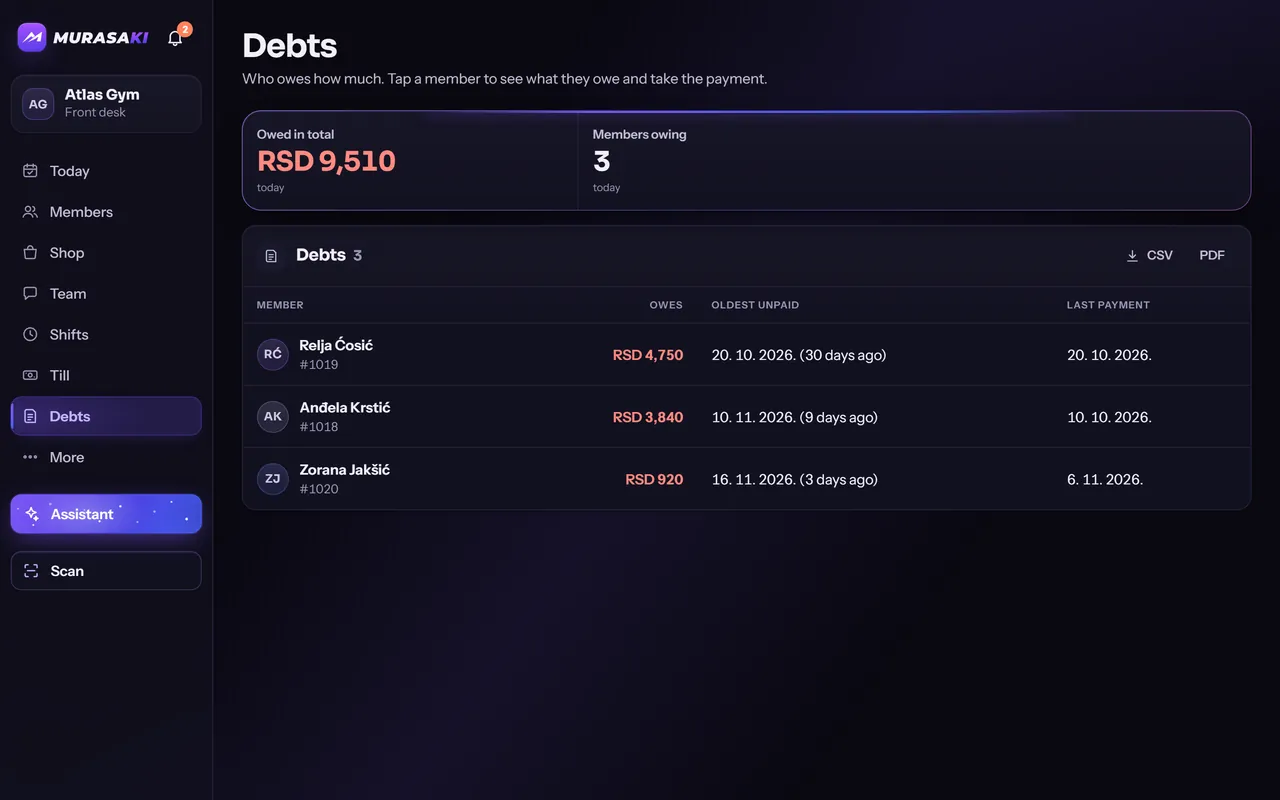
    Part payments, what is left to pay and who owes it, oldest debt first.

  • Bar and stock

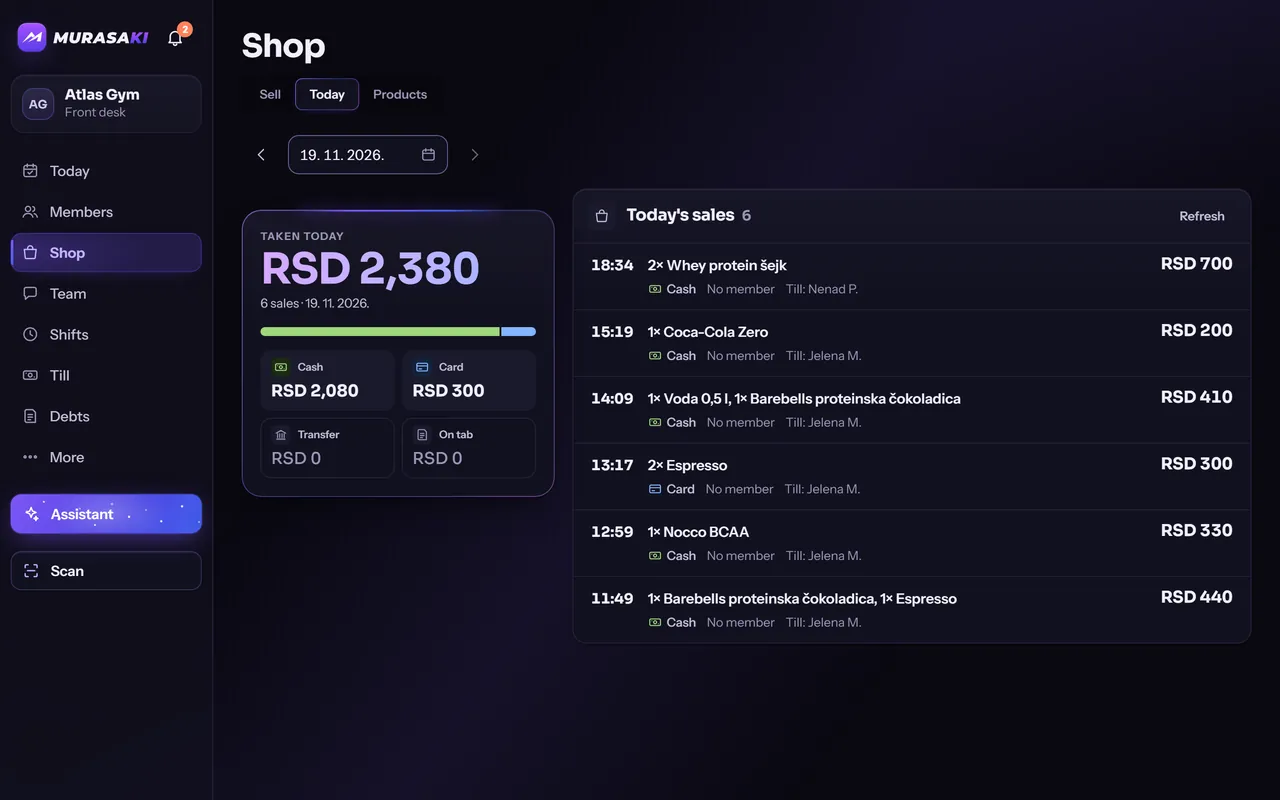
    Sell in a couple of taps, paid now or on the member’s tab. Stock moves with every sale.

  • Schedule and bookings

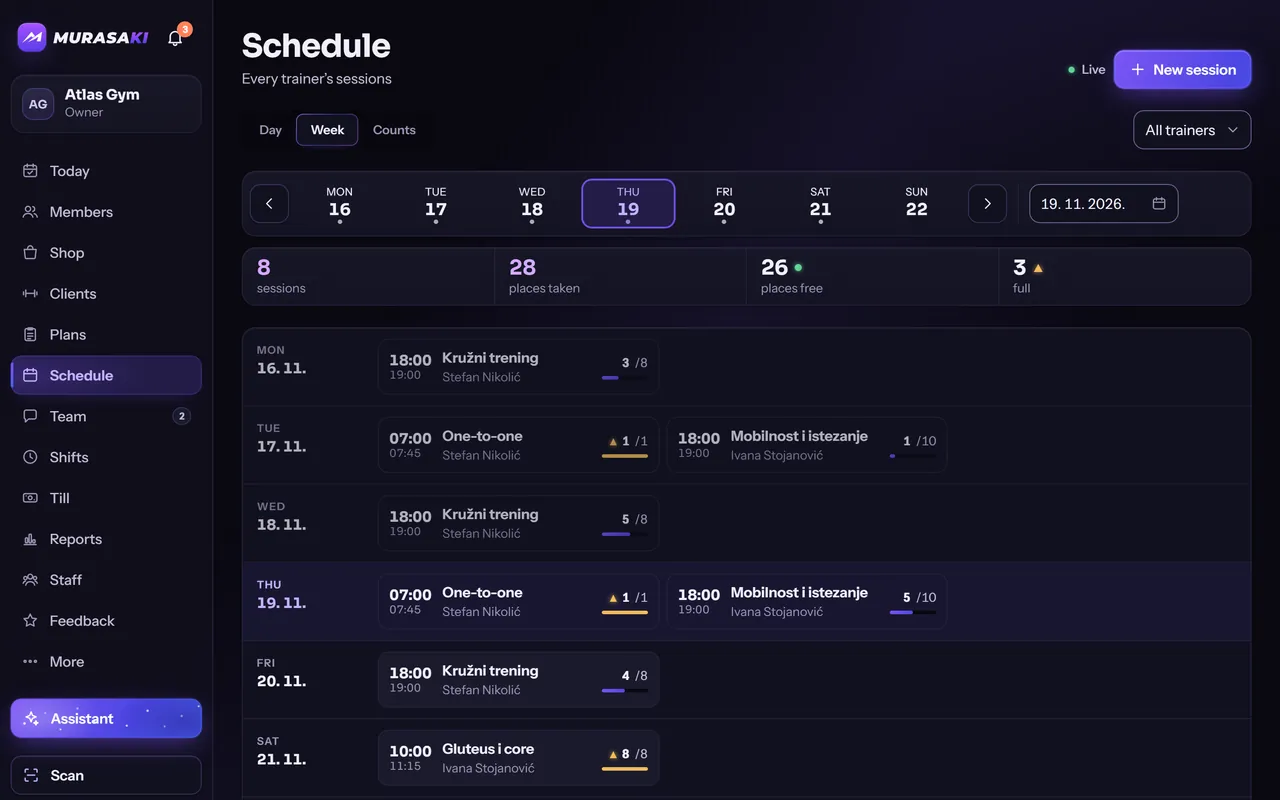
    Group sessions and one-on-ones, places left at a glance, members book themselves.

  • Till and shifts

    Count the drawer when a shift ends and see at once whether it adds up.

  • Nutrition

    Meal plans from the trainer and a food diary for the member, with barcode scanning.

  • Records, levels and badges

    Personal bests are noticed on their own. XP and a weekly goal reward showing up.

  • Assistant

    Ask in plain words: who owes, whose membership ends, book a session. Nothing changes until you confirm.

  • Team chat

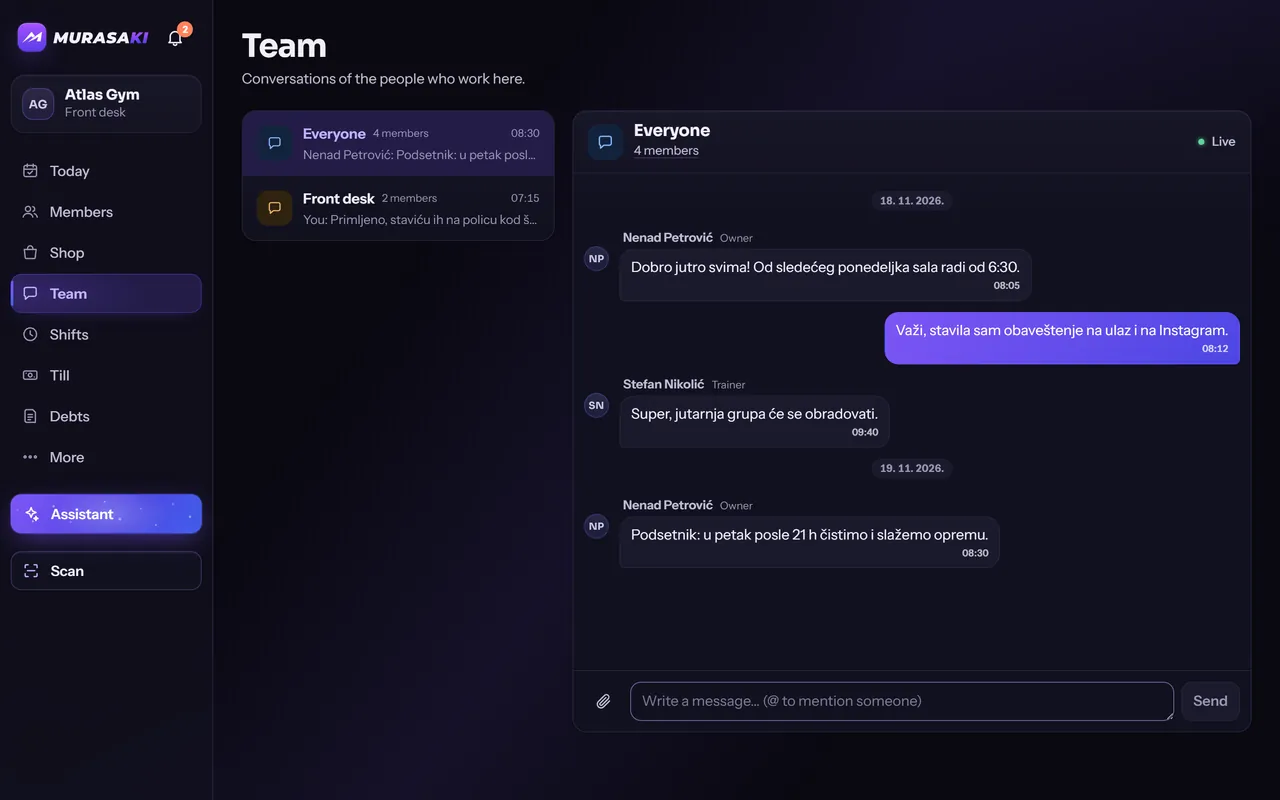
    Three groups for the staff — everyone, front desk, trainers — with photos, files and mentions.

  • Anonymous feedback

    Members rate the club and their trainers without a name attached.

  • Announcements

    One message to all members or the staff: on their home screen and as a notification.

  • Joining by QR code

    A new member scans the code at the desk and signs up on their own phone.

Roles

Everyone sees their part. Only their part.

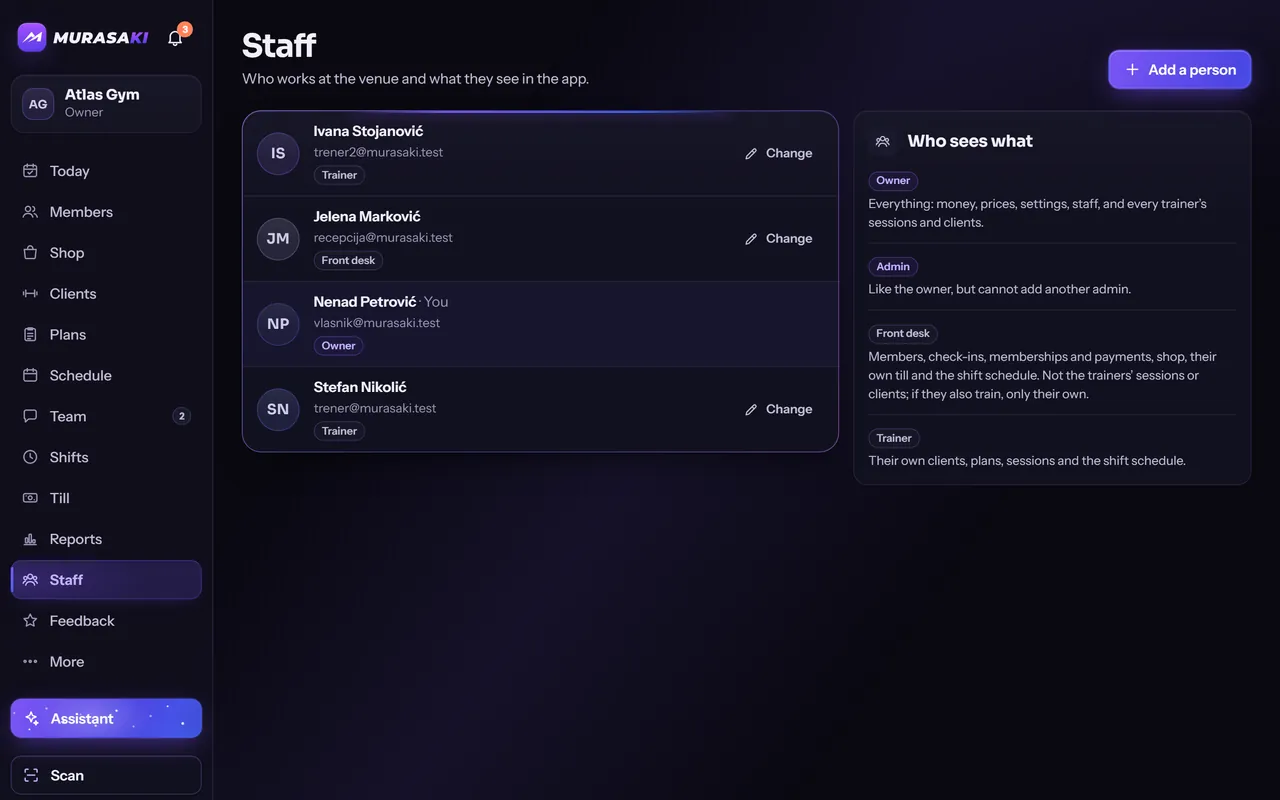
The rules of who sees what live in the database, not in the menu. The front desk works with members and money, never with training or body measurements. A trainer sees their own clients. A member sees only their own record.

The owner’s Staff screen in the app says the same thing in one card: who sees what.
OwnerFront deskTrainerMember
Members and membershipsEverythingEverythingown clientsown record
Payments, bar and tillEverythingEverythingNothingown payments
Reports and expensesEverythingdebts onlyNothingNothing
Schedule and bookingsEverythingNothingown sessionsown bookings
Training plans and nutritionEverythingNothingown clientsown record
Body measurementsEverythingNothingown clientsown record
Staff and settingsEverythingNothingNothingNothing

Who it is for

Fits the way your place works

  1. Gym

    Check-in at the door, memberships, the bar and the whole day of the front desk.

  2. Fight club

    Group sessions with a limited number of places, trainers with their groups, who came and who did not.

  3. Studio

    A schedule members book themselves into, and visit cards that count the sessions held.

  4. Personal trainer

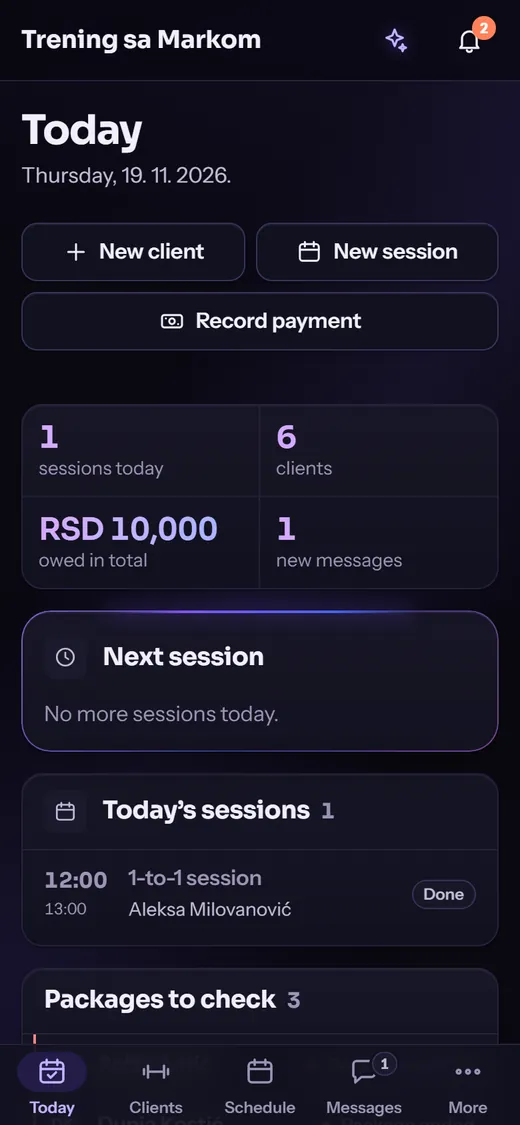
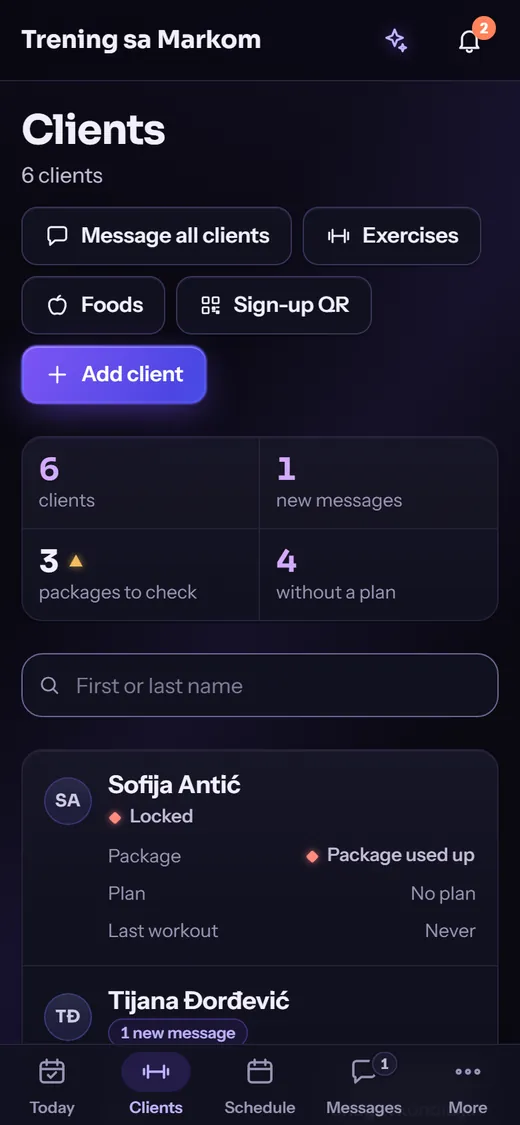
    One trainer, their clients, packages and messages: the same app, with words and screens that fit one person.

A personal trainer’s own Today and Clients screens, from the demo venue “Trening sa Markom”.

On the desk and in the pocket

One account everywhere. The front desk works on a computer, with a hand scanner or a phone camera. Trainers and members use their phones.

  • WebIn any modern browser
  • WindowsA desktop program that updates itself
  • Android and iPhonePhone apps, now in beta testing

Get started

Start with your club

  1. We open your venue

    Tell us what kind of place you run. We set the venue up and send an invitation to your e-mail.

  2. You sign in as the owner

    Add your staff by e-mail, set the membership types and prices, bring in your members.

  3. Members join by QR code

    They scan it at the desk, make an account, and the app is theirs.

Contact details for this site have not been set yet.